CAPTURE
Photograph a menu.
Frame the page in good light. Capture clear text, or choose a menu photo you already have.
THE DINEVUE EXPERIENCE
From the menu in your hands to the meal in your imagination.
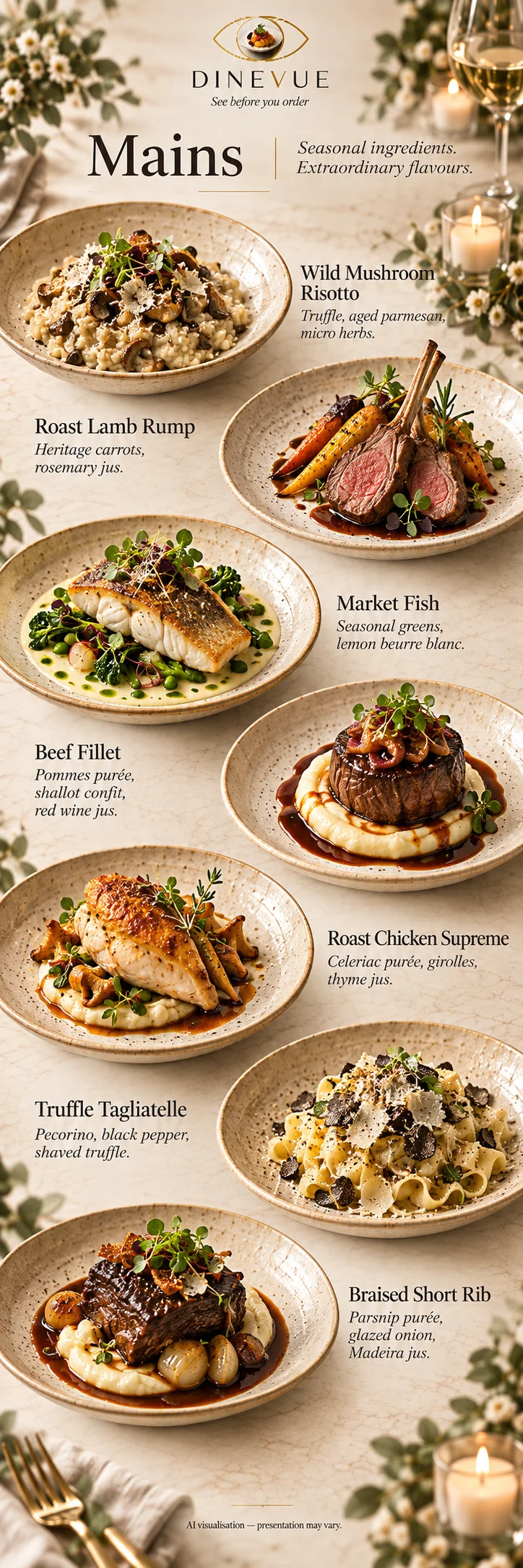
Visual design reference. Final app recording to follow.
CAPTURE
Frame the page in good light. Capture clear text, or choose a menu photo you already have.
UNDERSTAND
DINEVUE reads the dishes and brings the menu into a format you can check.
CHECK
Check your menu before visualising. Make sure the names, descriptions and prices match the page in front of you.
VISUALISE
Explore a visual impression of the dishes, section by section. Take a closer look, then decide what catches your eye.
SAVE
Save the restaurant to Your Menus to return to its visual menu later.
A VISUAL IMPRESSION, NOT A PROMISE
Every kitchen has its own signature. DINEVUE’s images help you imagine the dish; the restaurant makes it their own. Check ingredients, allergens, availability and prices with the restaurant.
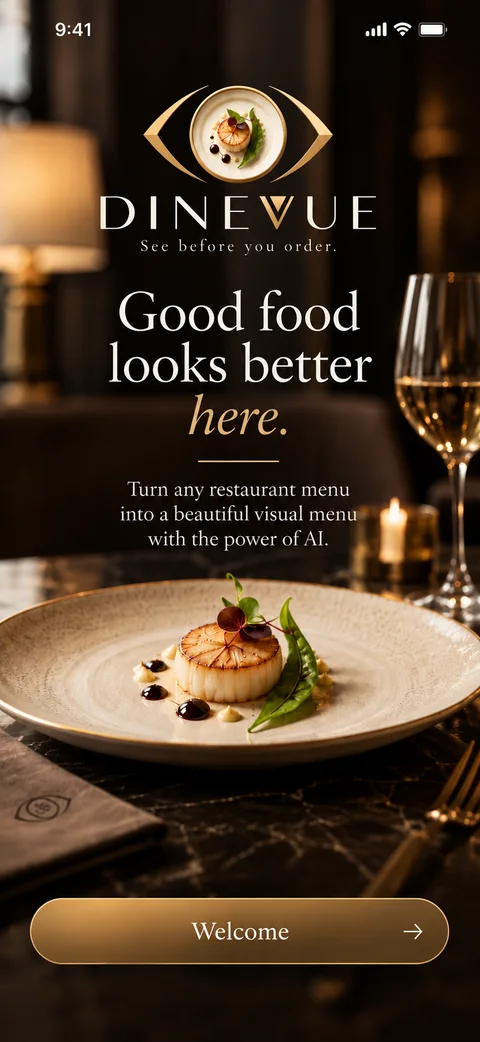
Coming soon for iOS and Android.
A new way to see what’s on the menu.
DINEVUE design references · authentic app walkthrough coming soon